
Views: 0 Author: Site Editor Publish Time: 2025-12-31 Origin: Site


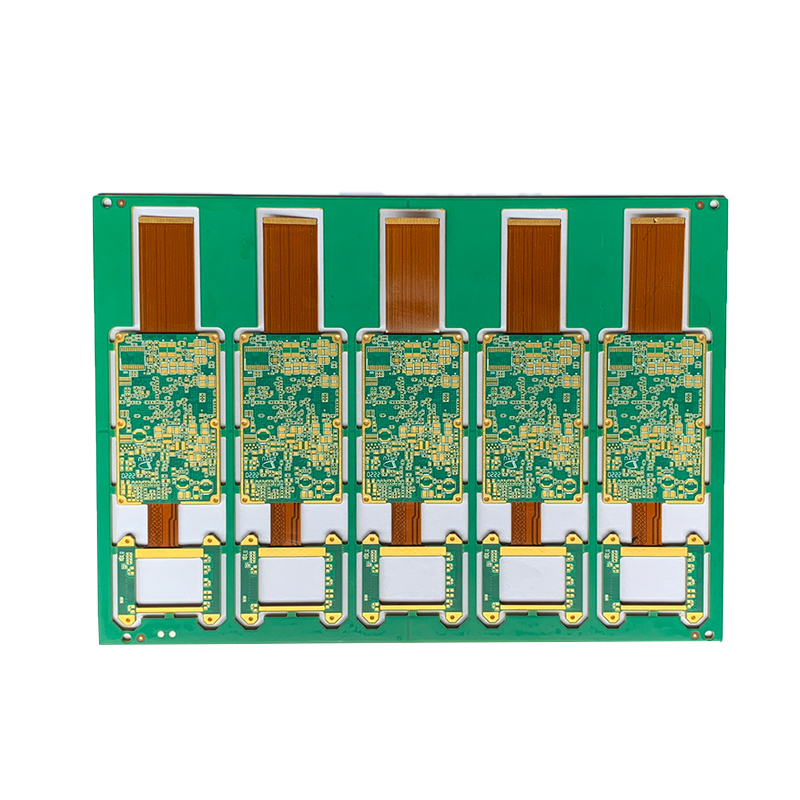
Are you facing delays and high costs in PCB manufacturing? Optimizing your PCB layout is key. Poor layout choices lead to errors and production delays.
This article will guide you through the essential steps to improve your PCB layout. You will learn how to streamline your design for faster production and better results.
By the end, you’ll have the tools to enhance your PCB manufacturing process. If you're looking for efficient PCB solutions, learn more about our products at Ruomei Electronic.
PCB layout design is the process of arranging components and electrical connections on a PCB. It defines how the electrical paths will be routed and where each component will be placed. A well-optimized PCB layout not only ensures the functionality of the circuit but also makes manufacturing more efficient and cost-effective.
The primary elements of a PCB layout include components, traces, pads, and vias. Proper planning of these elements ensures that the board performs as expected while remaining manufacturable within the given constraints.
Element | Description | Best Practices |
Components | The physical parts that make up the PCB circuit | Ensure proper placement and adequate spacing |
Traces | The electrical paths that connect components | Keep traces as short as possible, avoid sharp bends |
Pads | Locations where components are soldered to the PCB | Use correct pad sizes based on component specifications |
Vias | Small holes that connect different layers of PCB | Keep via size small, use blind or buried vias when possible |
Optimizing the PCB layout impacts manufacturing efficiency directly. A well-laid-out board reduces production time, minimizes material waste, and lowers the chance of errors during assembly. This optimization also ensures that components are placed correctly for best performance and reliability.
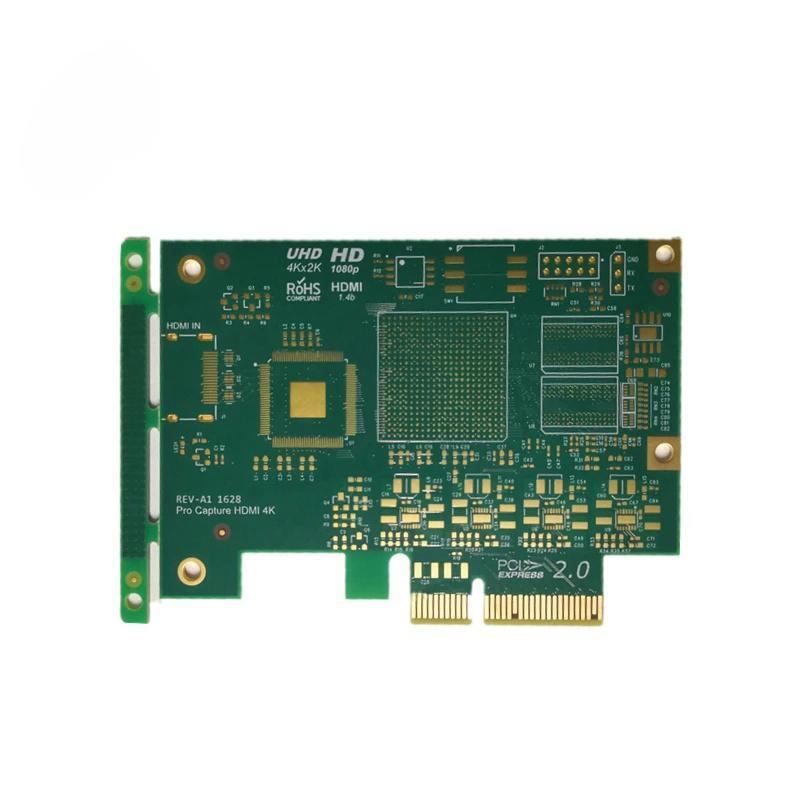
Creating a blueprint involves defining the physical layout of your PCB, including the positioning of components, routing paths, and layer stack-up. This step forms the foundation for the manufacturing process. You can create the blueprint using specialized PCB design software, such as Altium Designer or Eagle.
Selecting the right tools is essential for an optimized PCB layout. CAD software like Eagle, KiCad, or Altium Designer provides powerful features for component placement, routing, and 3D visualization of the board design. These tools help ensure that the layout is both functionally sound and manufacturable.
Once the initial blueprint is complete, it's essential to review and revise it. This includes performing Design for Manufacturability (DFM) checks to ensure the design can be easily fabricated without issues. Early revisions help avoid costly mistakes during the manufacturing phase.
Start with placing critical components, such as microcontrollers or power ICs, at the most efficient locations. Ensure that power and signal paths are kept as short as possible. Proper placement reduces noise, improves signal integrity, and minimizes power loss.
Adequate spacing between components is necessary to prevent overheating and ensure proper airflow. This is particularly important for components that generate heat during operation, such as power regulators and voltage controllers.
Overcrowding components on the PCB can make assembly difficult and may lead to errors in soldering or misalignment. Ensure there is enough room for each component to fit comfortably and allow for the required tolerances during manufacturing.
Tip | Description |
Start with critical components | Place essential components first for better routing |
Leave space for heat dissipation | Ensure components generating heat have enough space around them |
Avoid component overcrowding | Allow room for all components to fit comfortably without interfering with each other |
Routing defines the electrical paths that connect components. Efficient routing ensures that the current flows smoothly through the PCB, preventing issues like voltage drops or excessive heating. The goal is to minimize trace length while maintaining performance.
When designing traces, keep paths as short and direct as possible to reduce resistance and improve efficiency. Use wider traces for high-current paths to prevent overheating. The trace width is determined by the current the trace must carry and the allowable temperature rise.
Proper trace width and spacing are critical to ensure that traces do not overheat or cause short circuits. Use industry-standard calculators to determine the appropriate width for each trace based on the current load. Maintain adequate spacing between traces to avoid electrical interference.
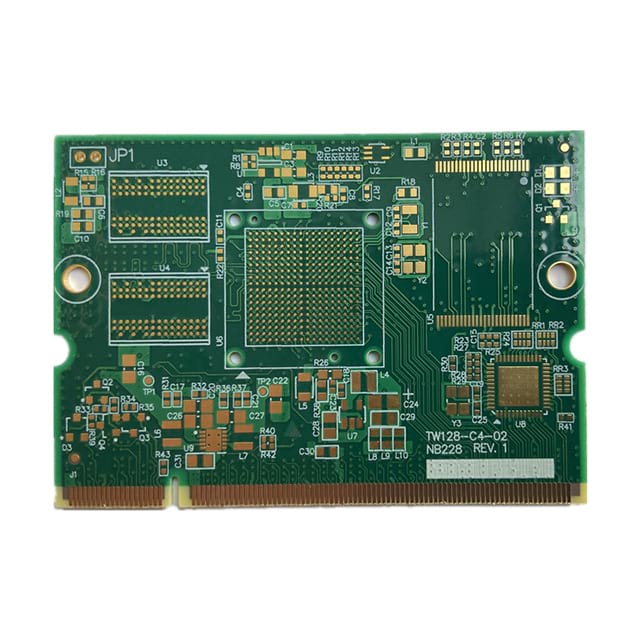
Multi-layer PCBs offer significant advantages for complex designs. They allow for more compact configurations, helping designers fit more components within a smaller space. These designs enable better routing for high-speed signals and efficient power distribution. Multi-layer PCBs are especially valuable for applications in devices where space is at a premium, such as mobile phones, laptops, and medical equipment.
Selecting the appropriate layer stack-up is crucial to optimizing the PCB layout. The stack-up determines the arrangement of the different layers, such as signal, power, and ground. Proper planning of these layers helps maintain signal integrity, enhance power distribution, and improve thermal performance. The correct stack-up allows for better management of electromagnetic interference (EMI) and can make a significant difference in the overall functionality and performance of the PCB.
Vias and through-hole components are critical in multi-layer designs but must be placed strategically to avoid weak points and interference. Blind or buried vias can save valuable space while enhancing performance by providing better connections between layers. Proper via placement is essential for minimizing signal degradation and ensuring a reliable connection, particularly in high-frequency designs.
Surface-mount technology (SMT) and pick-and-place machines are essential for modern PCB manufacturing. These automated tools streamline the placement of components, increasing production speed and reducing human error. To make the most of these technologies, ensure that your PCB design is optimized for SMT, with appropriate pad sizes and component spacing to ensure proper placement and alignment by machines.
Automation in PCB manufacturing offers a range of benefits. It accelerates the production process, reduces the risk of errors, and helps lower overall costs. Automated systems, such as pick-and-place machines, provide higher consistency and precision, leading to improved product quality and faster turnaround times. By integrating automated machines throughout the PCB production process, from component placement to soldering and inspection, manufacturers can achieve significant improvements in efficiency and reliability.
For successful integration of automated systems, your PCB design must be compatible with machine specifications. This includes ensuring that component footprints are correctly sized, pads are properly aligned, and clearances are maintained. Designing with these requirements in mind helps ensure that automated systems can place components accurately, leading to fewer errors during production and a smoother manufacturing process.
Simulation tools, such as 3D modeling and electrical simulations, allow you to visualize and test your PCB layout before production. These tools are invaluable for identifying potential problems early, such as signal interference, thermal hotspots, or incorrect component placement. By addressing these issues in the design phase, you can prevent costly changes during production and ensure better performance in the final product.
These tools help you simulate real-world conditions, ensuring that your PCB design can handle the demands of its intended application. Running electrical simulations also verifies that traces and components can handle the required electrical loads, reducing the risk of failures.
Design for Manufacturability (DFM) involves optimizing your PCB layout with manufacturing constraints in mind. The goal is to ensure that the design is easy to fabricate and doesn't require expensive or time-consuming adjustments. DFM helps reduce the chance of design errors that might complicate the manufacturing process, making it more cost-effective.
By considering factors like component placement, trace width, and the choice of materials early in the design phase, you can simplify the production process. Working within these constraints will help reduce production costs, speed up turnaround times, and enhance the overall quality of the PCB.
Collaboration between designers and manufacturers is crucial for optimizing PCB layouts. Real-time communication allows for immediate feedback, helping both parties identify potential design or manufacturability issues. This collaborative approach ensures that design decisions align with manufacturing capabilities, leading to smoother production and fewer revisions.
Sharing design files and getting input from manufacturers during the early stages helps prevent errors and ensures that the final layout can be easily produced. This collaboration also helps keep the project on schedule, reducing time-to-market and production costs.
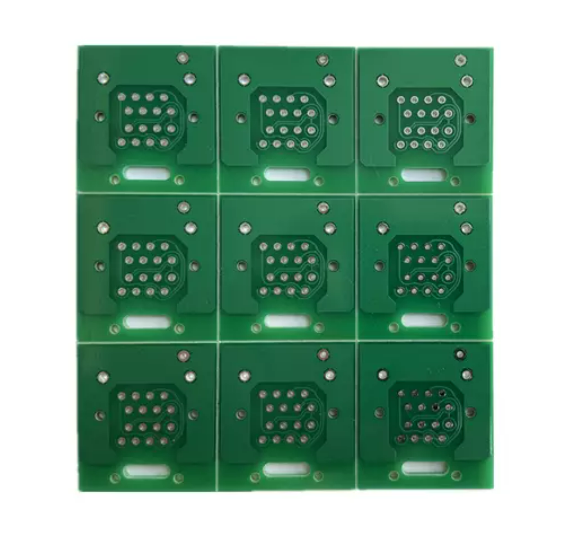
Common layout errors, such as insufficient trace width, improper component spacing, and inadequate heat dissipation, can lead to performance issues or manufacturing delays. Using DFM tools can help identify these errors early in the design process, allowing you to make necessary adjustments before sending the design for production.
For example, traces that are too narrow can lead to overheating, while components placed too close together can cause signal interference. Correcting these issues at the design stage saves time and money by preventing costly rework during manufacturing.
Even with a well-optimized PCB design, layout-related issues may still arise during production. These can include misaligned components, insufficient soldering, or defective vias. To catch these issues early, it's important to implement regular quality checks throughout the manufacturing process.
By using automated inspection tools and performing visual inspections, you can quickly identify and resolve these problems, ensuring that the final product meets the desired standards. Early detection minimizes the risk of defects reaching the final stages of production.
Incorporating feedback from the production team is crucial for refining the PCB layout. After completing the manufacturing process, you can review the results, identify any issues, and make improvements for future designs. This iterative approach ensures continuous improvement and helps avoid repeating past mistakes.
Feedback from previous projects can provide valuable insights into potential design flaws, helping you optimize future layouts. Using this feedback to make adjustments can lead to better-performing designs, faster production times, and reduced costs in subsequent projects.
By integrating these advanced techniques and troubleshooting strategies into your PCB design process, you can ensure a more efficient and effective manufacturing workflow.
Optimizing your PCB manufacturing layout is crucial for improving efficiency and reducing costs. By focusing on blueprinting, component placement, routing, and automation, you can streamline the entire manufacturing process. A proactive approach to layout optimization results in faster production, fewer errors, and better quality products. With products that offer high efficiency and reliability, Ruomei Electronic ensures your PCB needs are met with precision, driving value and performance.
A: PCB layout optimization involves arranging components and routing paths efficiently to improve performance and manufacturability. It reduces production costs and minimizes errors in the manufacturing process.
A: To optimize PCB routing, keep trace paths short, ensure proper trace width and spacing, and minimize sharp bends. This enhances electrical performance and reduces overheating risks.
A: Proper component placement ensures efficient routing, minimizes signal interference, and prevents overcrowding. It also helps avoid heating issues and improves overall board performance.
A: Automation, like pick-and-place machines, speeds up component placement, reduces human errors, and lowers manufacturing costs. It improves production efficiency and consistency.


